
Starfish Resiliency Center2.0.2 - App Store
You'll be able to see results in few seconds.
Publisher Description
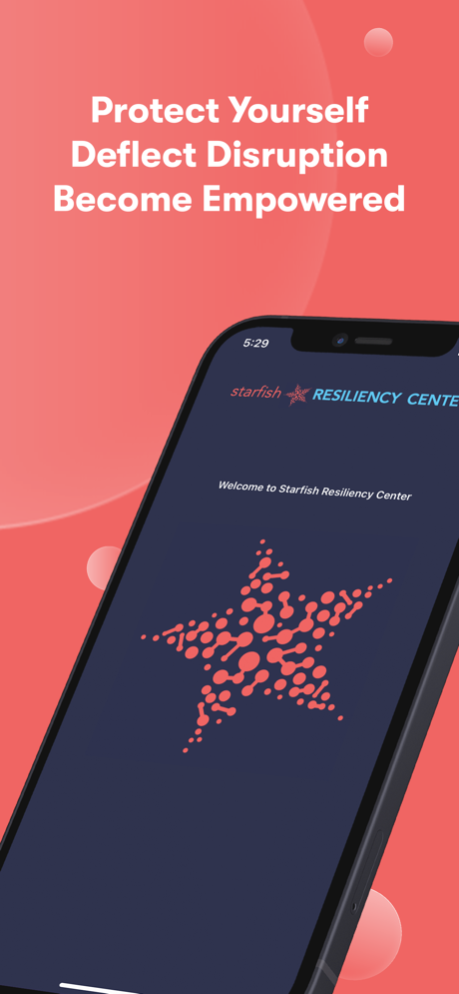


Become Cyber Smart! Learn How to Improve Your Cyber Resiliency
Starfish Resiliency Center provides basic tips and education to guide you through the minefield of techno jargon and hype. Sometimes just one or two easy changes to how you approach technology will make a world of difference.
Improve your Cyber IQ for yourself, your family, and your business. Not everyone needs to be a technology wizard to avoid a crisis. Most information can be socialized and shared by text or email to your friends, family, and business colleagues.
Learn basic crisis avoiding features such as:
• Two minutes to create your password strategy.
• Five minutes to understand ransomware and how to avoid clicking on that bad link.
• Know the right questions to ask your favorite expert to keep your technology in motion.
Regular educational updates will raise your threat awareness while elevating your cyber resiliency posture.
• Learn from our favorite experts through their blogs, podcasts, whitepapers, and videos.
• Access events and information on valuable topics published by global experts such as the Cyber Security and Infrastructure Security Agency (CISA) and the National Security Agency (NSA)
.
• Receive critical notifications about technology vulnerabilities and regional disasters that have large impacts and ripple effects around the globe
.
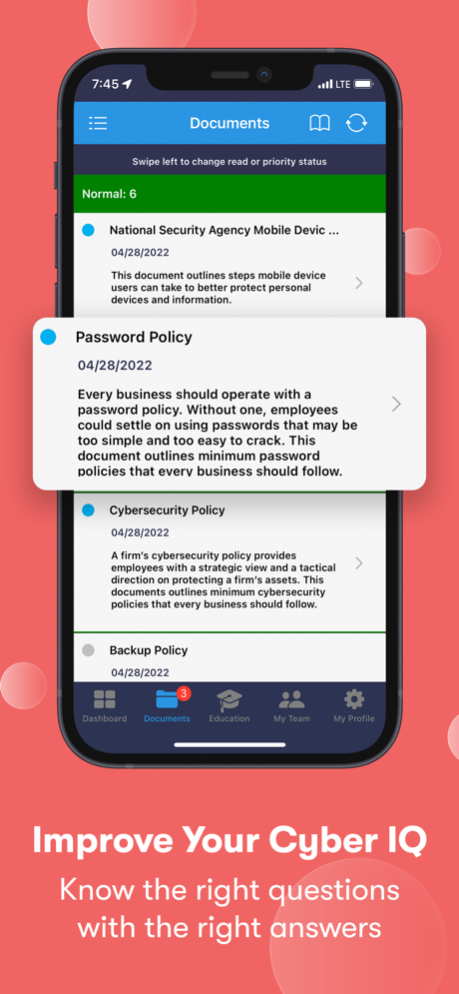
Immediately improve your business resiliency by implementing customizing shareable policies.
• Password Policy
• Backup Policy
• Cybersecurity Policy
Please note: If you are interested in communicating your message and customized content for your business, consider the Starfish Constellation mobile platform built specifically for business.
May 26, 2022
Version 2.0.2
Minor bug fix
About Starfish Resiliency Center
The company that develops Starfish Resiliency Center is Puldy Resiliency Partners, LLC. The latest version released by its developer is 2.0.2.
To install Starfish Resiliency Center on your iOS device, just click the green Continue To App button above to start the installation process. The app is listed on our website since 2022-05-26 and was downloaded 0 times. We have already checked if the download link is safe, however for your own protection we recommend that you scan the downloaded app with your antivirus. Your antivirus may detect the Starfish Resiliency Center as malware if the download link is broken.
How to install Starfish Resiliency Center on your iOS device:
- Click on the Continue To App button on our website. This will redirect you to the App Store.
- Once the Starfish Resiliency Center is shown in the iTunes listing of your iOS device, you can start its download and installation. Tap on the GET button to the right of the app to start downloading it.
- If you are not logged-in the iOS appstore app, you'll be prompted for your your Apple ID and/or password.
- After Starfish Resiliency Center is downloaded, you'll see an INSTALL button to the right. Tap on it to start the actual installation of the iOS app.
- Once installation is finished you can tap on the OPEN button to start it. Its icon will also be added to your device home screen.
Program Details
System requirements
Download information
Pricing
Version History
version 2.0.2
posted on 2022-05-26
May 26, 2022
Version 2.0.2
Minor bug fix
Disclaimer
Official App Store Link
We do not host Starfish Resiliency Center on our servers. We did not scan it for viruses, adware, spyware or other type of malware. This app is hosted by Apple and passed their terms and conditions to be listed there. We recommend caution when installing it.
The App Store link for Starfish Resiliency Center is provided to you by apps112.com without any warranties, representations or guarantees of any kind, so access it at your own risk.
If you have questions regarding this particular app contact the publisher directly. For questions about the functionalities of apps112.com contact us.
